 tangzily
Tables and open orders
Open a table, move an order, or save a sale for later at the counter.
Who can use this
Register access and an open shift are required for orders and payment.
Instructions
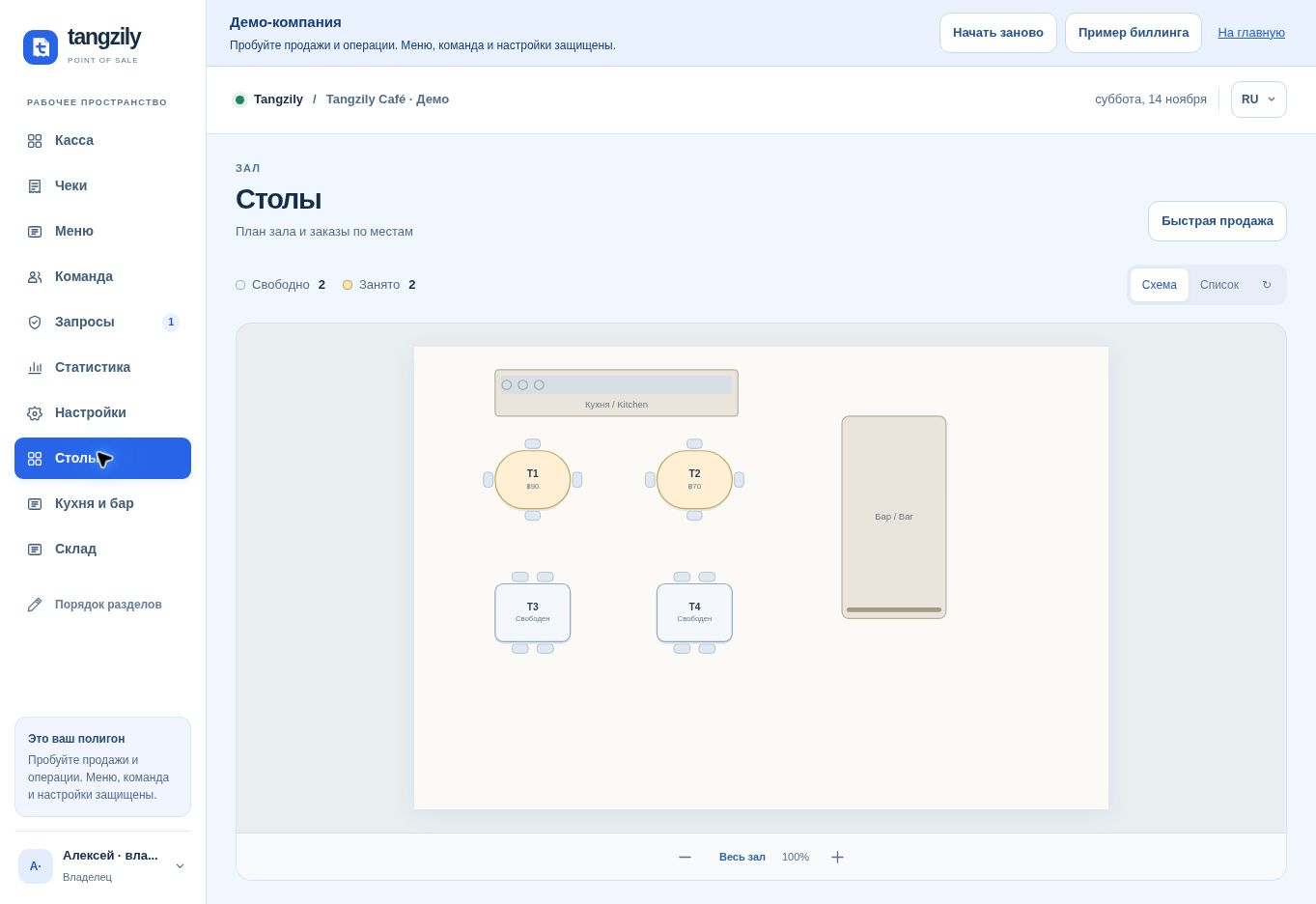
- In Tables, choose the floor plan or list. Select a free table for a new order or an occupied table to continue.
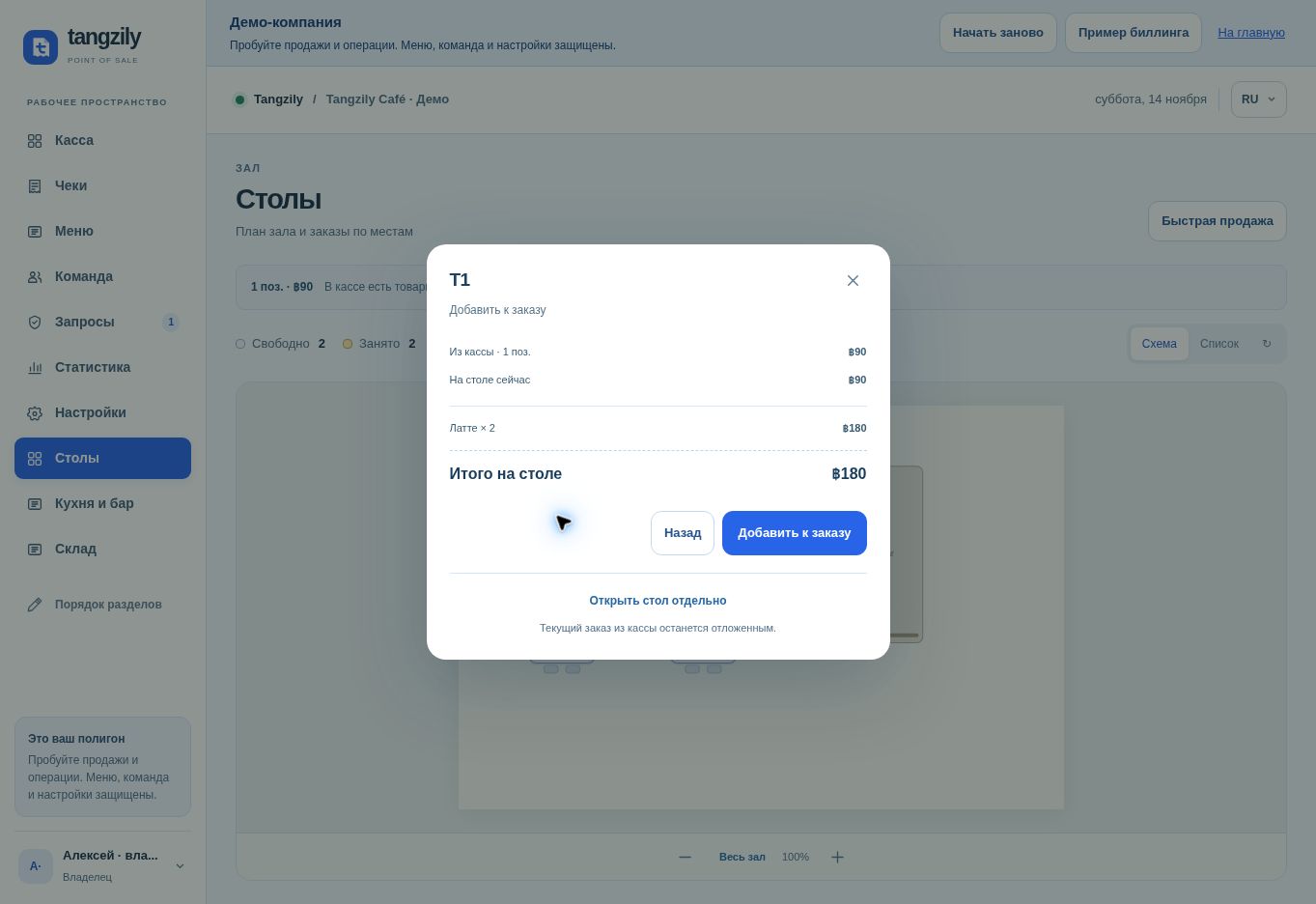
- From an existing cart, select Assign table. Review the combined total before adding to a table that already has an order.
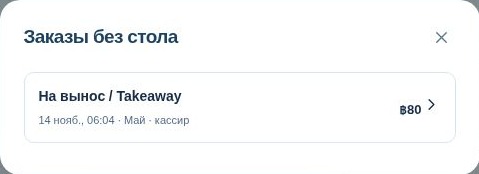
- Save before leaving the order. For a takeaway order, use Counter orders. Settle or cancel open orders before closing the shift.
Buttons and fields
- Floor plan / List
- Switch how dining locations are displayed.
- All / Free / Occupied
- Filter tables by current occupancy.
- Open order / Continue order
- Start at an available location or load its existing order.
- Assign table / Change table
- Link the cart to a table or move an existing order.
- Add to order
- Review and combine the cart with an occupied table’s items.
- Save order / Save and return to tables
- Keep the order for other registers and optionally return to the plan.
- Counter orders / Save counter order
- View or save orders without a table.
- Cancel order
- Cancel the selected open order. A reason can be required if the kitchen already has items.