 tangzily
Receipts, printing, and voids
Find a sale, print its receipt, or void it with the required permissions.
Who can use this
Viewing receipts and voiding them are separate permissions.
Instructions
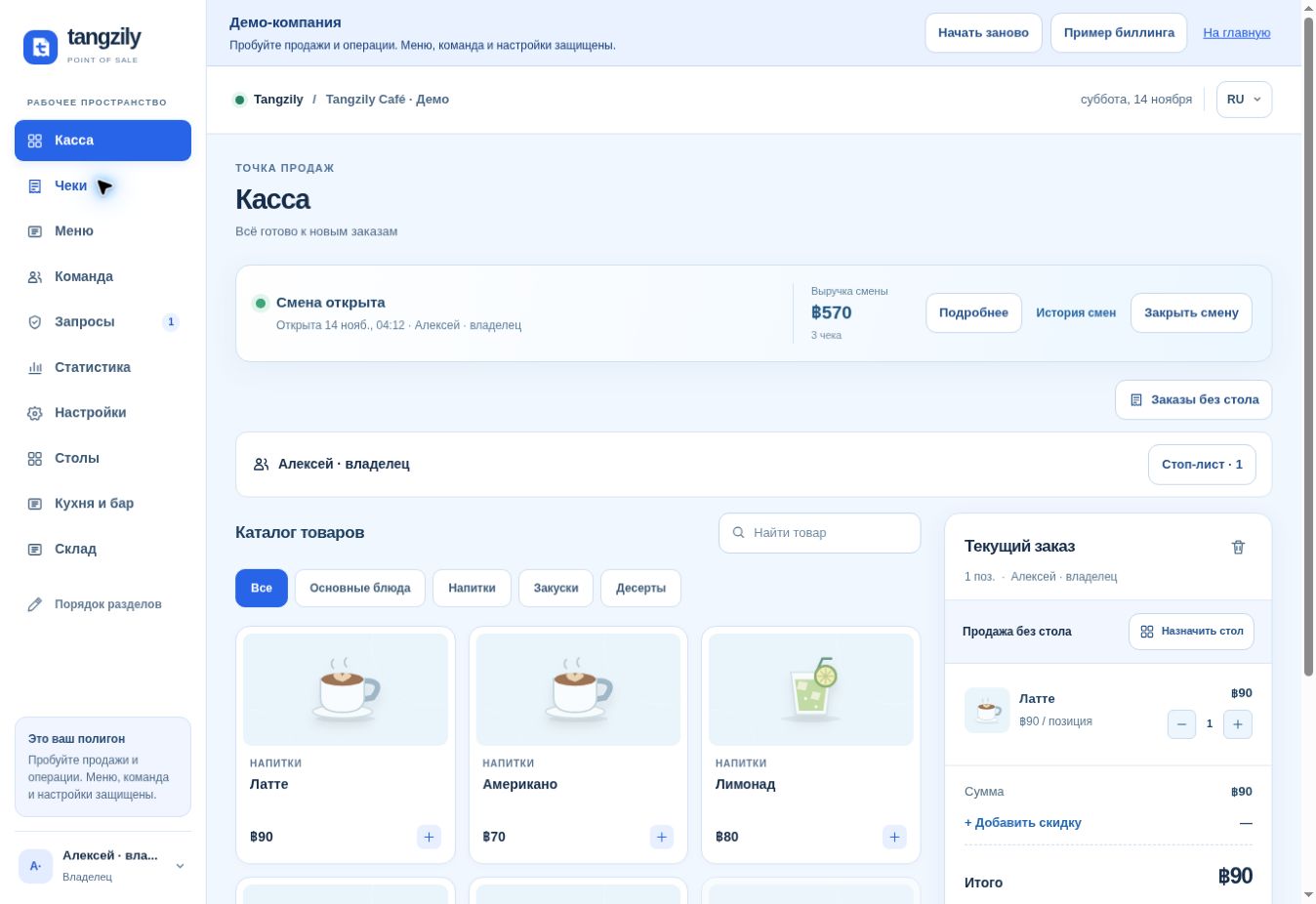
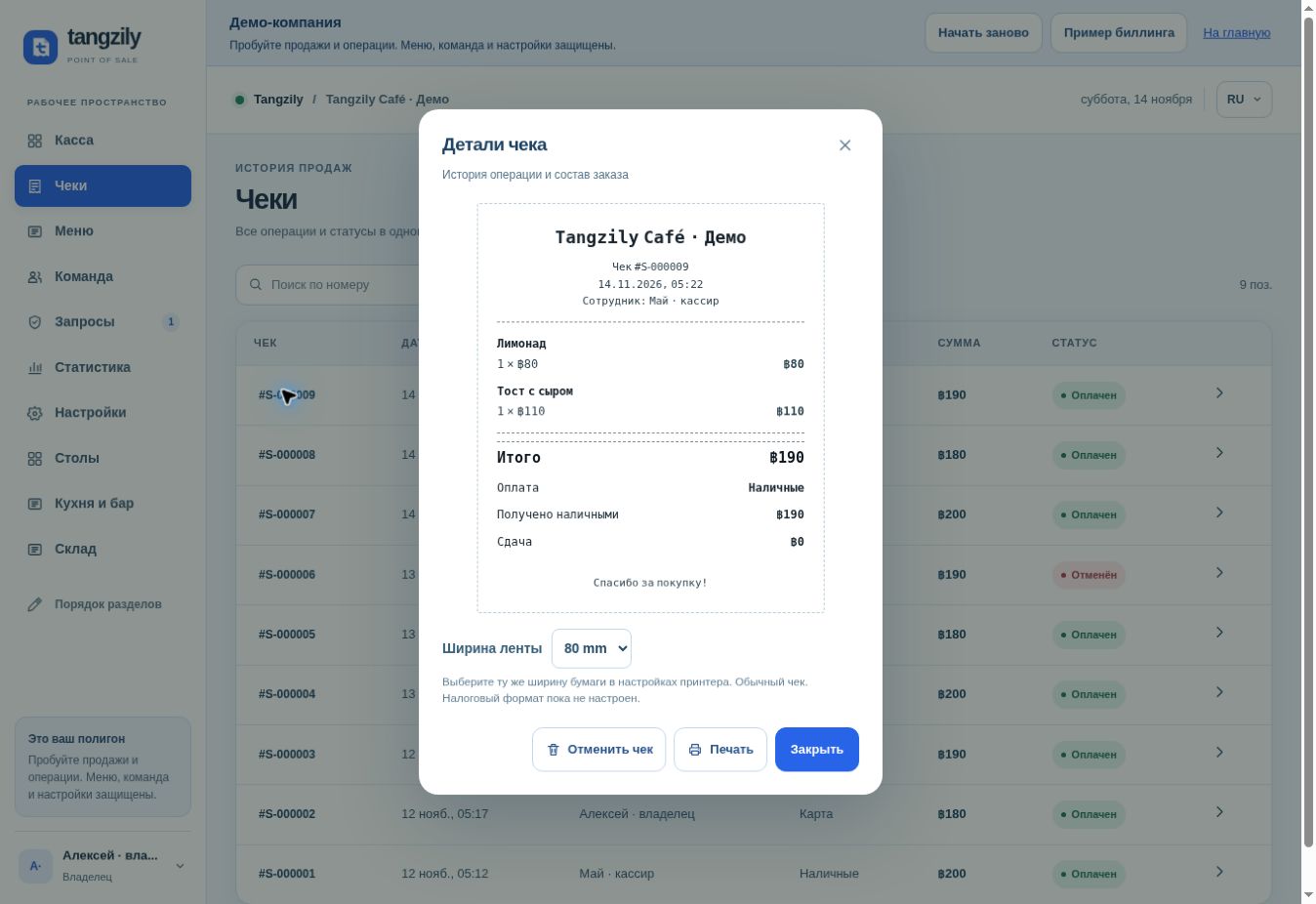
- In Receipts, open a receipt number to see its items, payment method, total, and status.
- Set the paper width if needed, then select Print and choose the printer in the browser.
- Select Void receipt when appropriate. If approval is required, request a code and enter it in Requests. Handle any refund to the customer separately.
Buttons and fields
- Receipt number
- Open the saved receipt and its line items.
- Paper width
- Set the layout for the receipt printer roll.
- Open the browser print dialog.
- Void receipt
- Start the void or ask for approval, according to your role and rules.
- Close
- Return to the list and keep the receipt in history.