 tangzily
Inventory, stock levels, and documents
Create stock items and record deliveries, write-offs, and counts.
Who can use this
Reading inventory, posting documents, and managing items require separate permissions.
Instructions
- Create an item with the unit you use to count it. Set a minimum balance if you want low-stock filtering.
- Choose a delivery, write-off, or stocktake. Add lines, check the current balance, and review the document before posting.
- Use the movement log to trace changes. To correct a posted document, open it and use the reversal action.
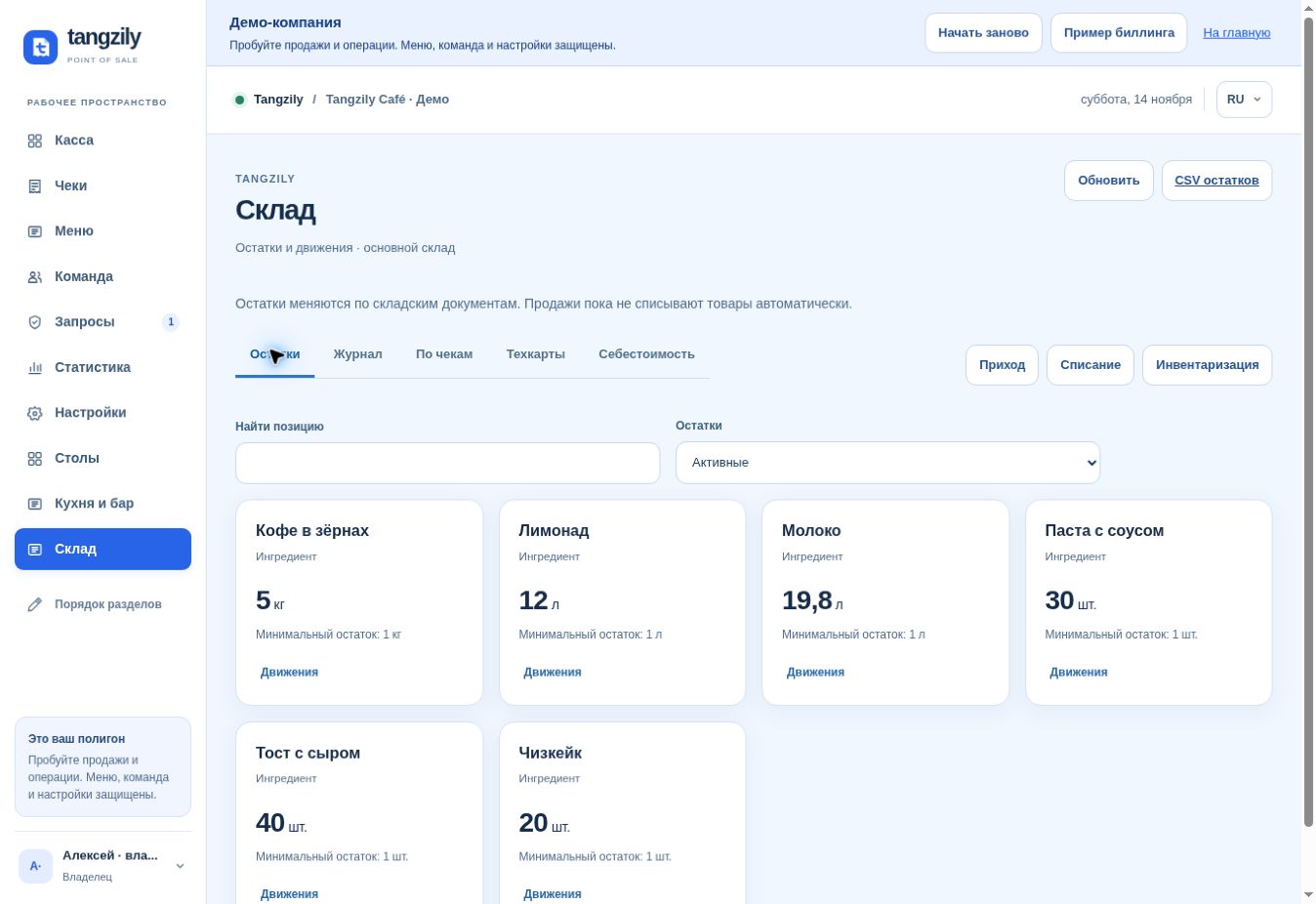
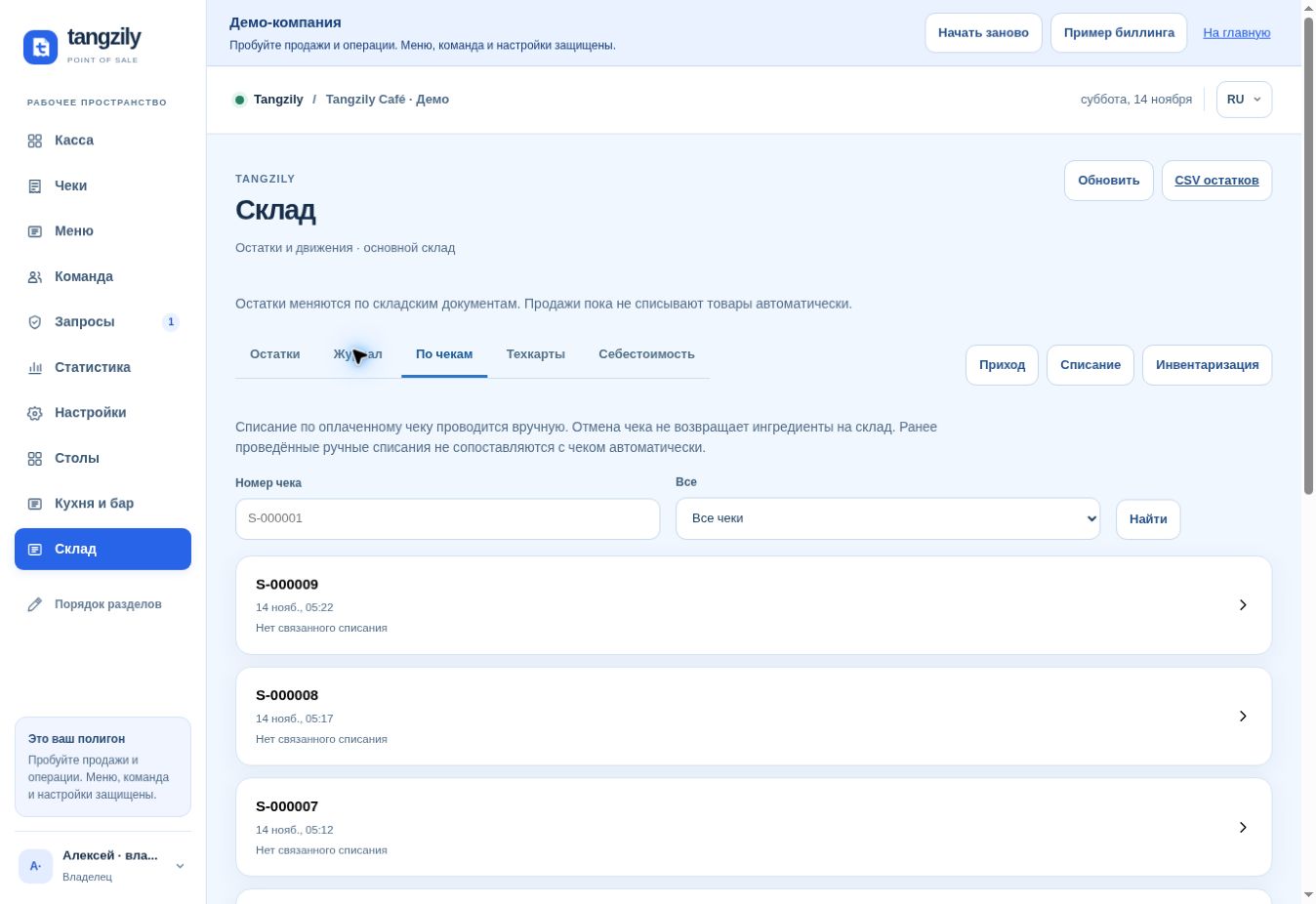
Buttons and fields
- Balances / Find item / Below minimum
- Find stock items and inspect current quantities.
- Add item / Item details
- Create an item or inspect its unit and history.
- Movements
- Show the transactions that changed the item’s balance.
- Delivery / Write-off / Stocktake
- Increase stock, record use or loss, or set counted balances.
- Add row / Remove row
- Change the contents of a draft.
- Review document / Post document
- Preview the change and then apply it to the balance.
- Check result / Refresh stock
- Retrieve the earlier result or reload current quantities before posting.
- Log / Reverse transaction / Stock CSV
- Browse posted documents, correct one, or export current balances.