 tangzily
Product stop list
Pause sales temporarily when an item is unavailable.
Who can use this
Changing availability requires Stop list access.
Instructions
- Open Stop list in Register or Menu. Search by name or filter to see paused items.
- Pause sales of an unavailable item. Resume it when it can be sold again.
- New quantities are blocked on other registers too. Previously saved table lines can still be reduced or settled.
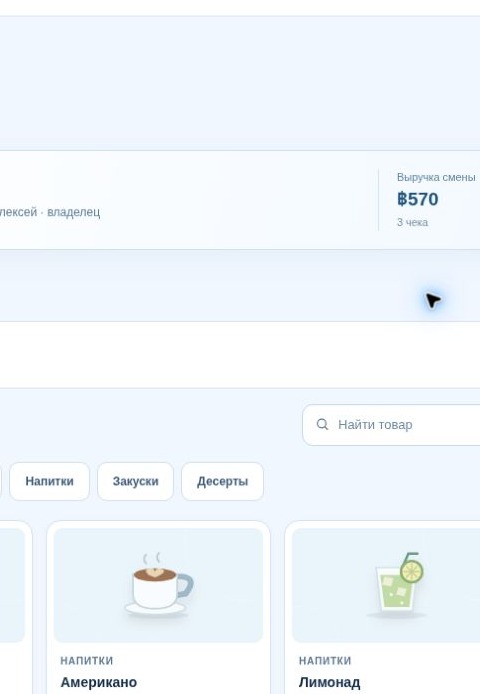
Buttons and fields
- Stop list
- Open the product availability panel.
- All / Paused
- Filter the list by current availability.
- Pause sales
- Prevent new units of this product from being added.
- Resume sales
- Allow the product to be added again.