 tangzily
Shared register and PIN entry
Switch employees on a register approved for PIN access.
Who can use this
An authorized manager enables the register. Staff need active access and a configured PIN.
Instructions
- From a register that staff will share, select Enable quick sign-in and follow the owner confirmation.
- In the employee card, set a six-digit PIN. On the shared device, complete or save the current order before switching employees.
- Select the employee and enter their own PIN. Revoke the device in register management if access should end.
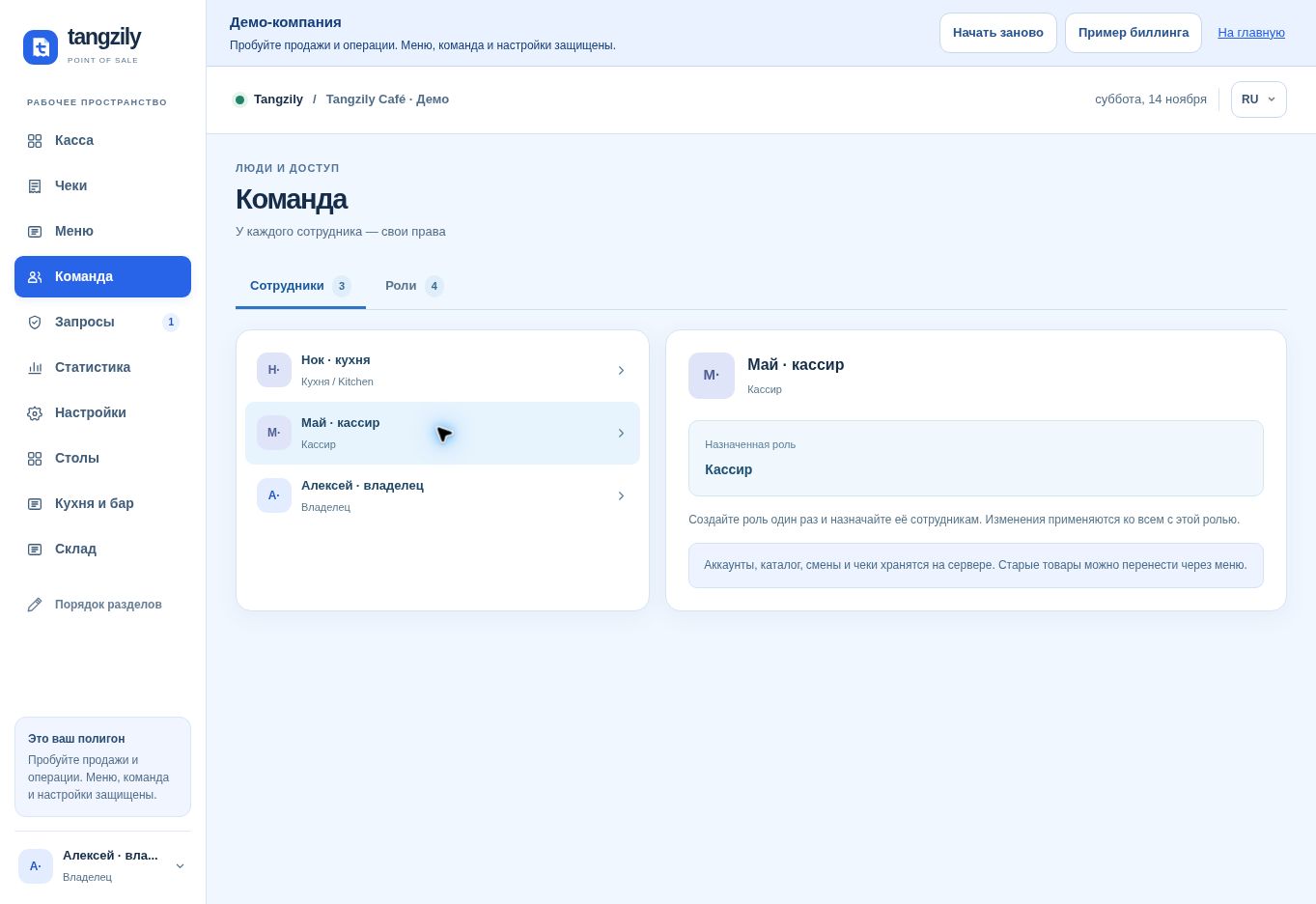
Buttons and fields
- Enable quick sign-in
- Approve the current device for staff PIN entry.
- Set PIN / Change PIN / Remove PIN
- Manage the selected employee’s quick sign-in credential.
- Switch employee / Choose employee
- Open the employee picker after leaving the current order safely.
- Sign in with PIN
- Open an active employee’s register session on this device.
- Manage registers / Revoke
- Review approved devices or end their PIN access.